PDF & Documents Articles
Deep-dive tutorials, size optimization guides, and document workflows.
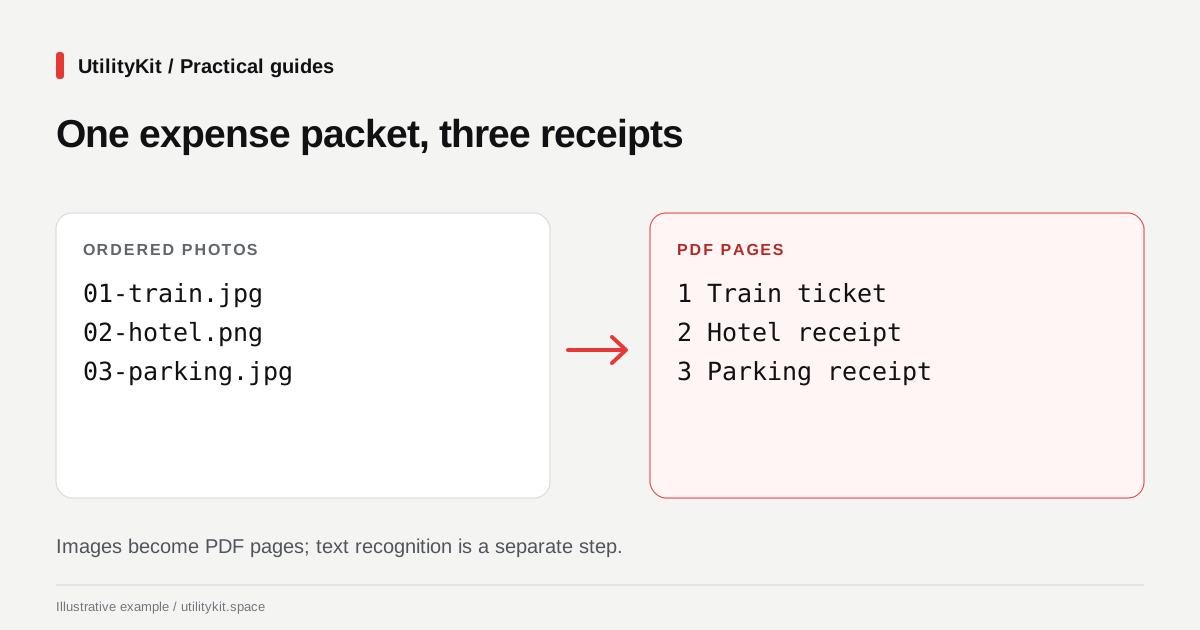
Combine Receipt Photos into a PDF Free in Your Browser
Create an expense PDF from receipt photos free, without an account. Arrange images and generate the document locally, then check every amount.
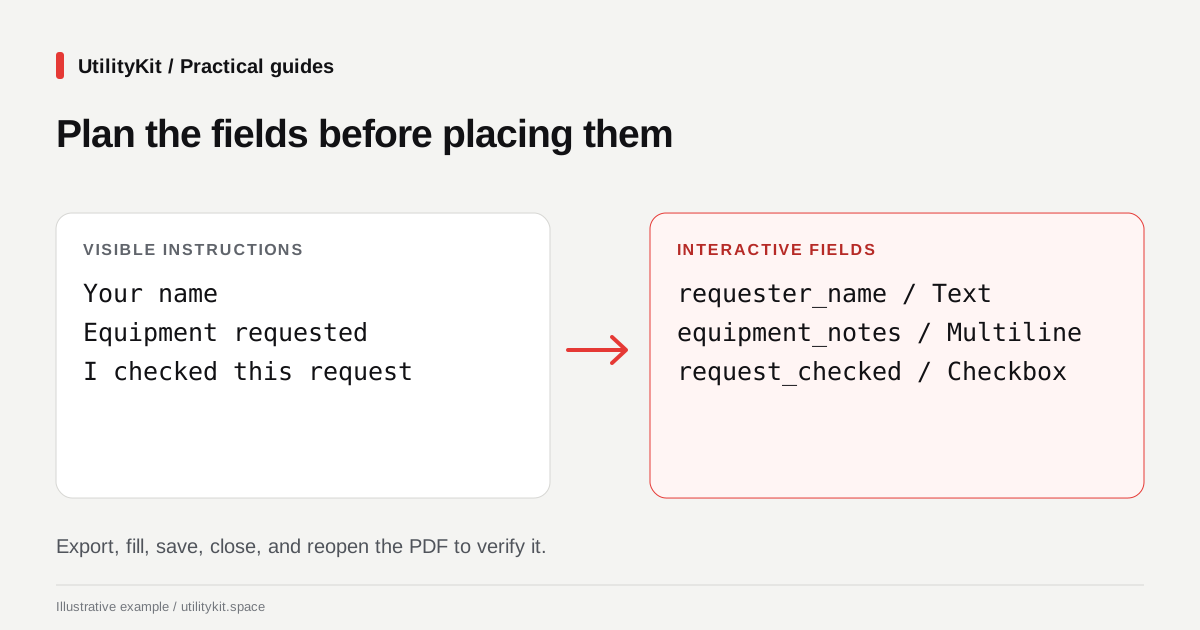
Create a Fillable PDF Free and Keep a Reusable Template
Build a fillable PDF free, without an account. Add fields locally, save a reusable form definition, and collect completed field values into CSV.
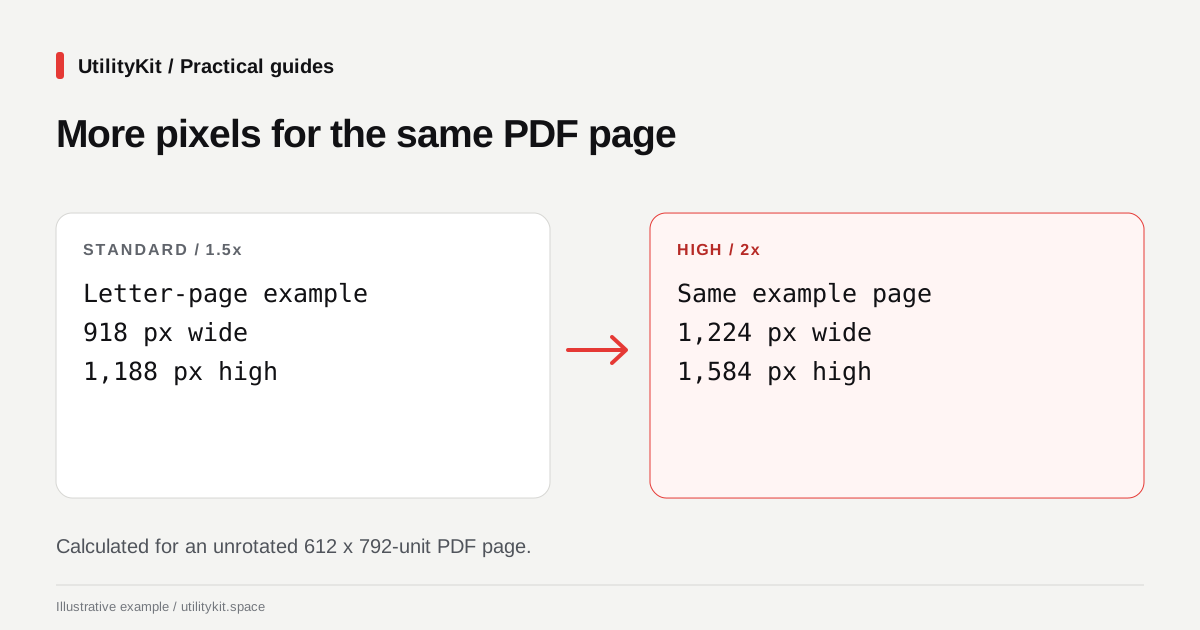
Free PDF to PNG or JPG: Export Pages in Your Browser
Convert PDF pages to PNG or JPG free, with local rendering and no account. Choose a resolution, inspect the images, and download pages or a ZIP.
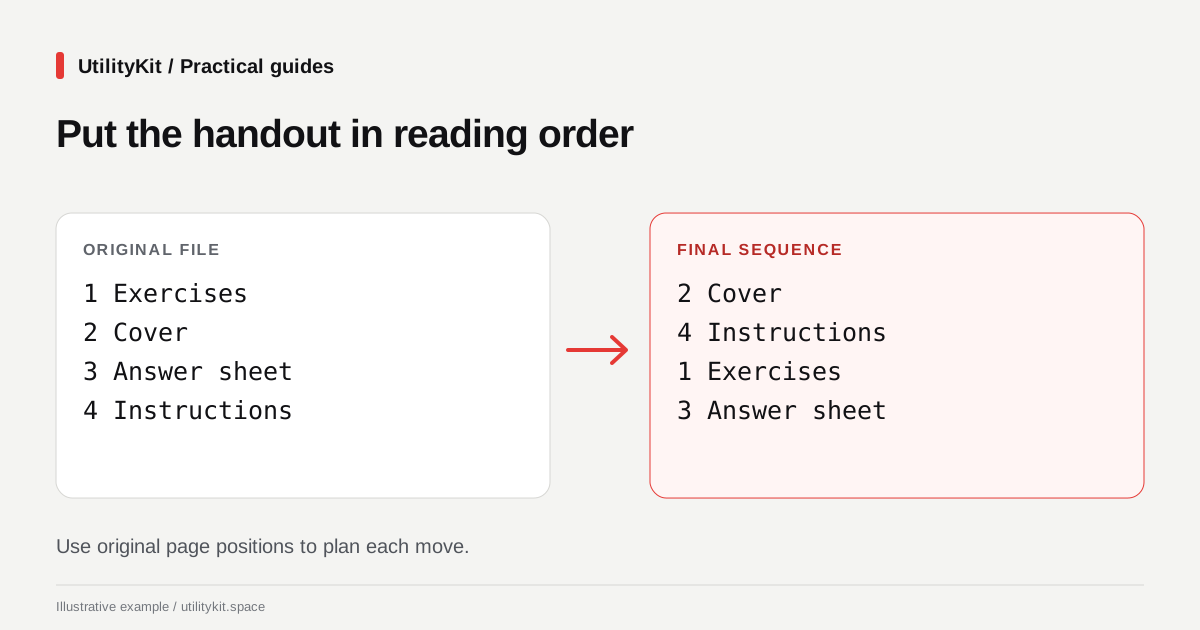
Reorder PDF Pages Free in Your Browser
Reorder scanned PDF pages free, without an account. Arrange pages locally in your browser, keep the original, and check the downloaded document.
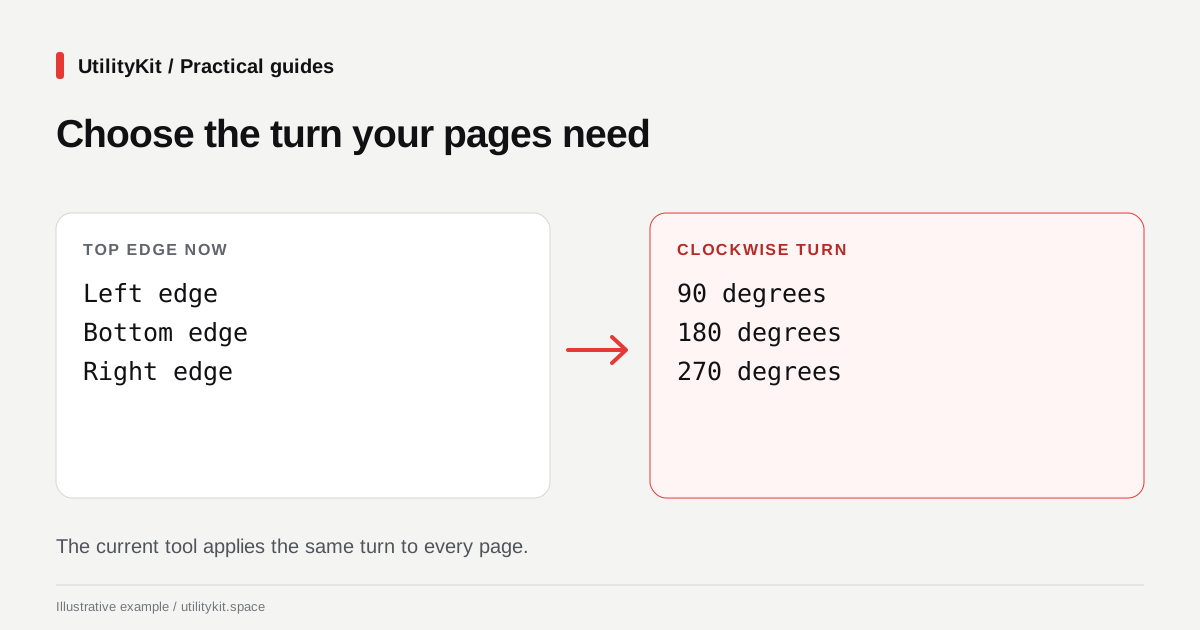
Rotate a PDF Free and Save It Without an Account
Rotate a sideways PDF free in your browser and download the corrected copy. No account needed; learn the all-pages rotation limit before starting.

How to Extract Invoice Data from PDFs into a Spreadsheet: OCR vs. AcroForms
Learn how to extract invoice data from PDF documents into Excel or CSV spreadsheets, manage OCR confidence scores, and verify financial totals accurately.

What is PDF/A? Standard Explained for Ordinary Document Workflows
Learn what PDF/A means, compare PDF/A-1, 2, and 3, understand font embedding rules, and check when an archive or filing workflow requires this preservation format.

How to Make a Scanned PDF Searchable with OCR: Complete Guide
Learn how Optical Character Recognition (OCR) converts scanned paperwork and image-based PDFs into searchable, selectable, and copyable digital documents.

How to Reduce a PDF to Meet Website Upload Limits (Gov, Job, and University Portals)
Learn how to shrink oversized PDFs to fit strict 1MB, 2MB, or 5MB website upload limits on government portals, job applications, and university systems.

Browser PDF Tools vs Desktop Software: Performance, Privacy, and Cost Comparison
A transparent comparison of modern in-browser WebAssembly PDF processing versus traditional desktop suites like Adobe Acrobat and cloud converters.

Splitting vs Extracting PDF Pages: Key Differences and When to Use Each
Understand the practical differences between splitting a PDF and extracting PDF pages to organize, separate, and share document sections efficiently.

How to Compress a PDF for Email Without Losing Quality
Learn how to compress a PDF for email, reduce file size, choose the right quality level, and avoid blurry text or unreadable scans before sending.